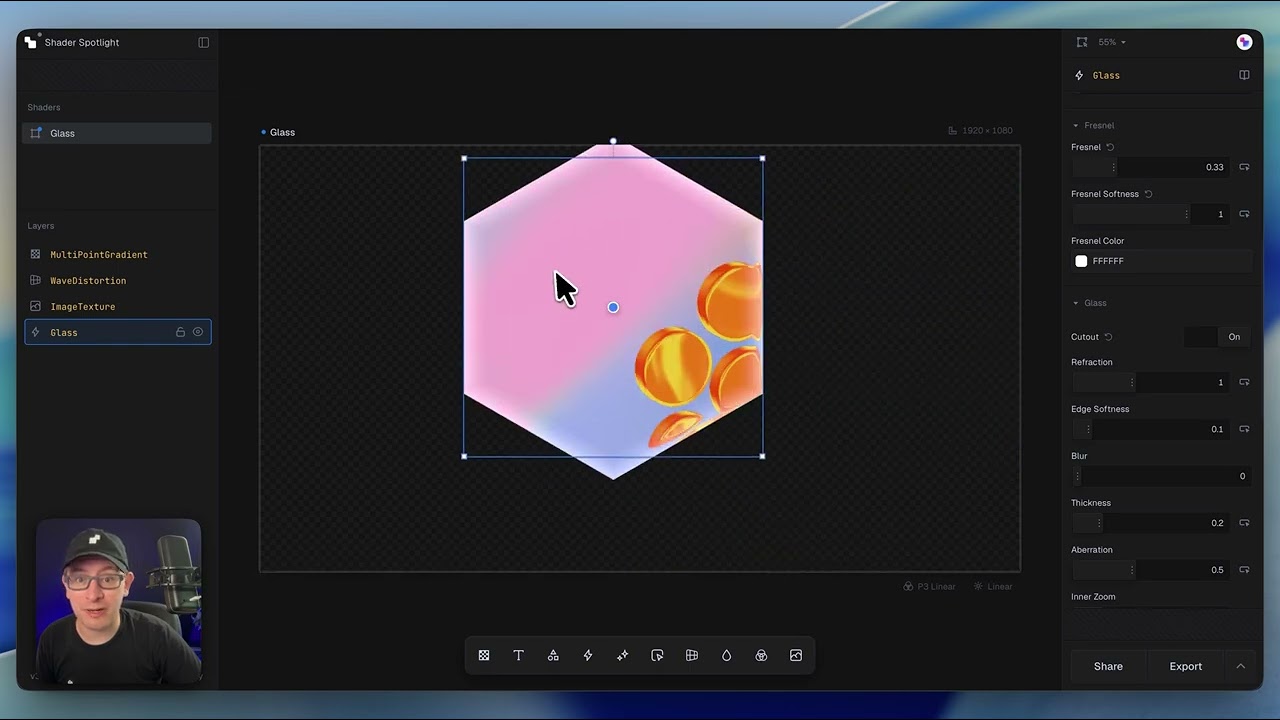
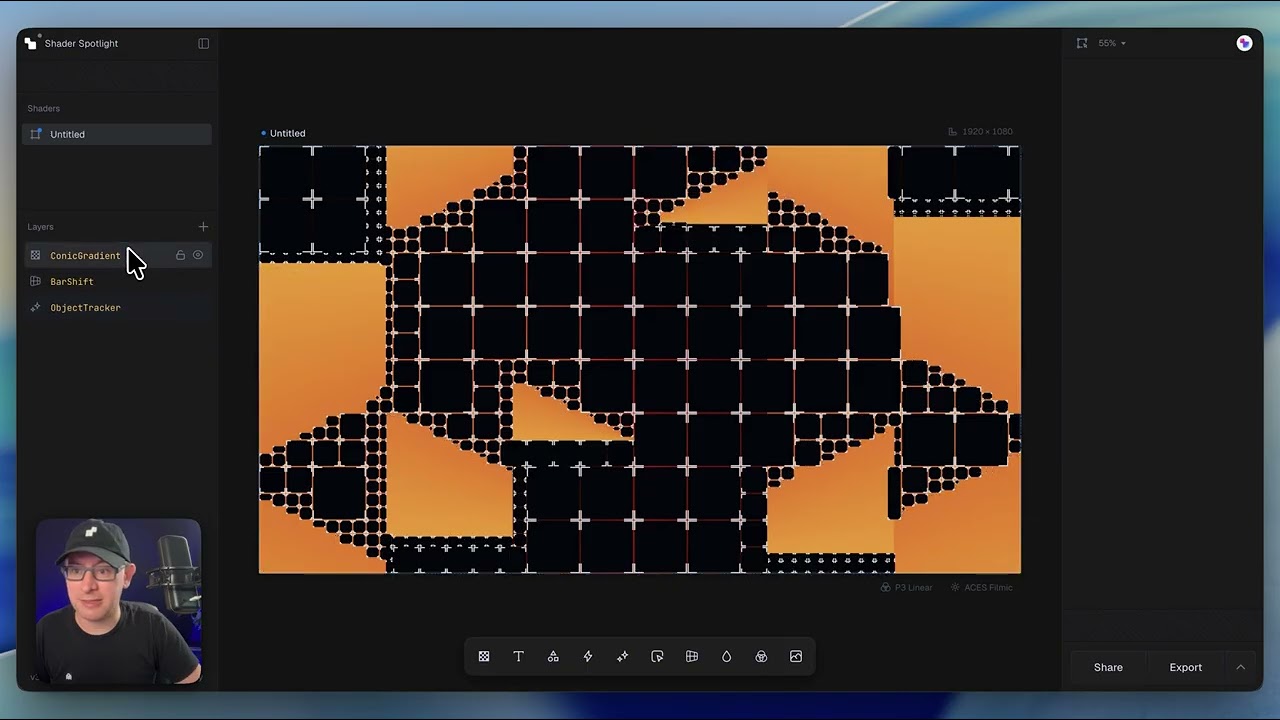
Shape Effects make it easy to create modern visuals like liquid glass, liquid metal, glowing edges, and extruded logos—all without writing shader code. In this lesson, we'll explore how to apply these effects to built-in shapes as well as your own SVG artwork.
What's covered in this lesson
- Exploring the Shape Effects library
- Creating liquid glass and liquid metal effects
- Customizing refraction, blur, thickness, and edge details
- Using built-in 2D and 3D shapes
- Importing custom SVG logos
- Converting flat artwork into 3D geometry
- Creating glowing edge effects for logos and icons
- Fine-tuning materials to achieve different visual styles
Key concept
Shape Effects are powered by signed distance fields (SDFs), allowing the same material and lighting system to work across both built-in geometry and your own SVG artwork. Whether you're creating glass, metal, or glowing effects, the workflow remains consistent.