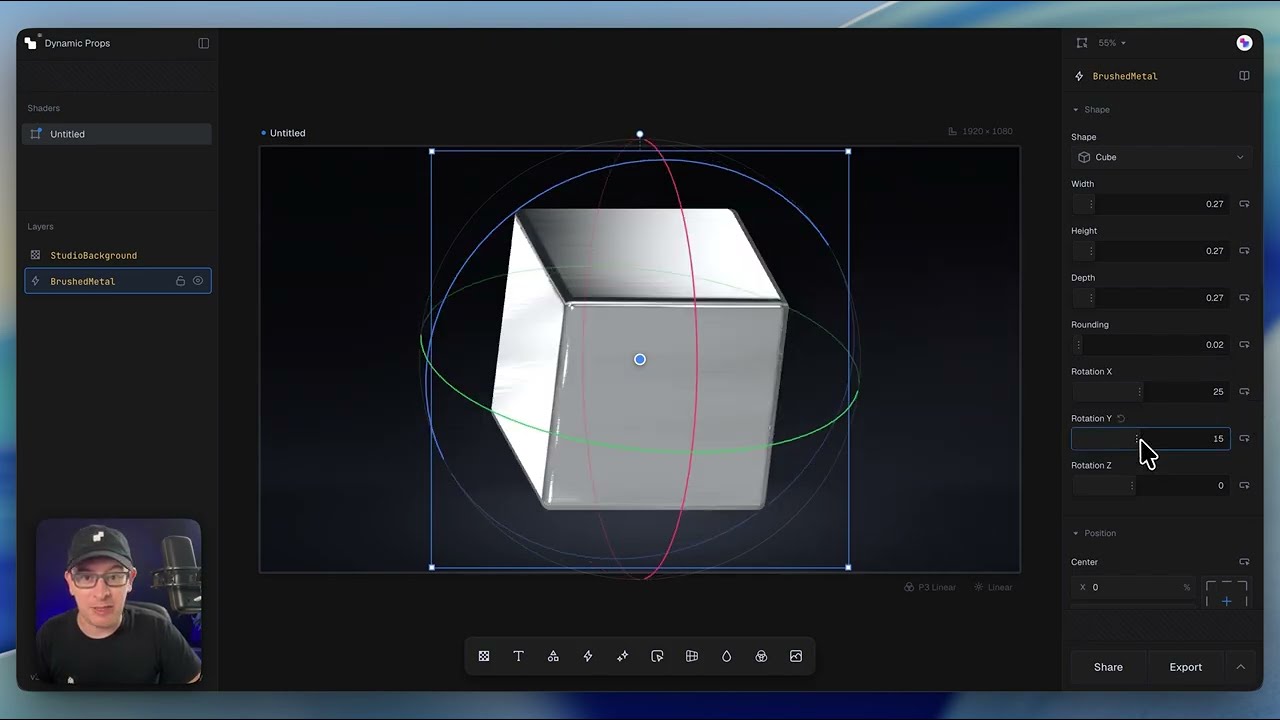
This short walkthrough provides a high-level overview of the complete Shaders workflow—from designing on the infinite canvas to exporting production-ready code. Rather than diving into every feature, the goal is to show how quickly you can go from an idea to a finished shader.
What's covered in this lesson
- Exploring the design editor and infinite canvas
- Creating and comparing multiple shader variations
- Previewing designs at different screen sizes
- Editing shaders using drag-and-drop controls
- Customizing components and visual effects
- Building responsive versions for desktop and mobile
- Exporting production-ready code for your project
Key concept
Shaders is built around rapid iteration. Design visually, experiment with different ideas, preview responsive layouts, and export clean, production-ready code when you're ready to ship.
Next steps
Ready to dive deeper? The following lessons explore the editor, components, and composition workflow in much more detail.