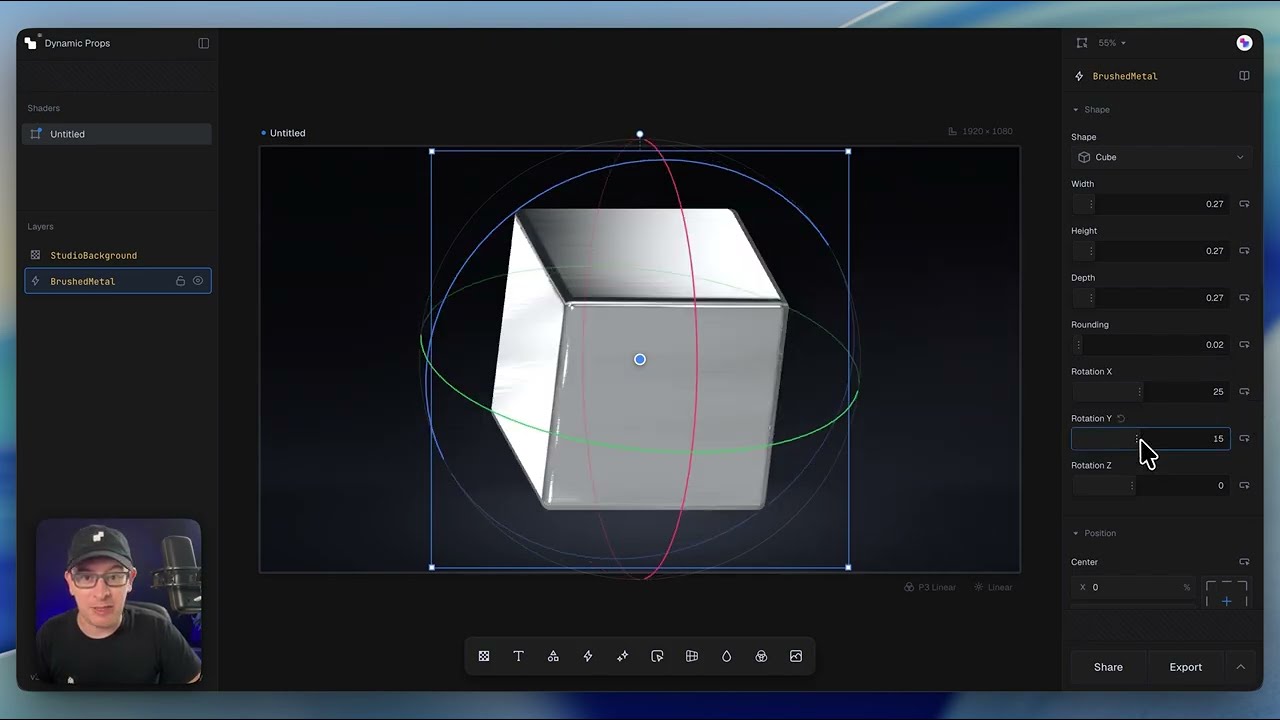
In this lesson, we'll build our first shader by combining multiple components into a single composition. Along the way, you'll learn how layers work together, how effects are applied, and how simple building blocks can be combined to create much more complex visuals.
What's covered in this lesson
- Starting a composition with textures and media
- Adding and arranging multiple components
- Applying shape effects and stylization layers
- Using nesting to control where effects are applied
- Understanding how layer order affects the final result
- Previewing your composition before export
- Exporting production-ready component code
Key concept
Shaders are built by composing reusable layers. By stacking components and using nesting to scope effects, you can create complex, production-ready visuals while keeping your compositions organized and easy to edit.
Next steps
Now that you've built your first composition, we'll take a closer look at how combine components in interesting ways by masking and blending them together.