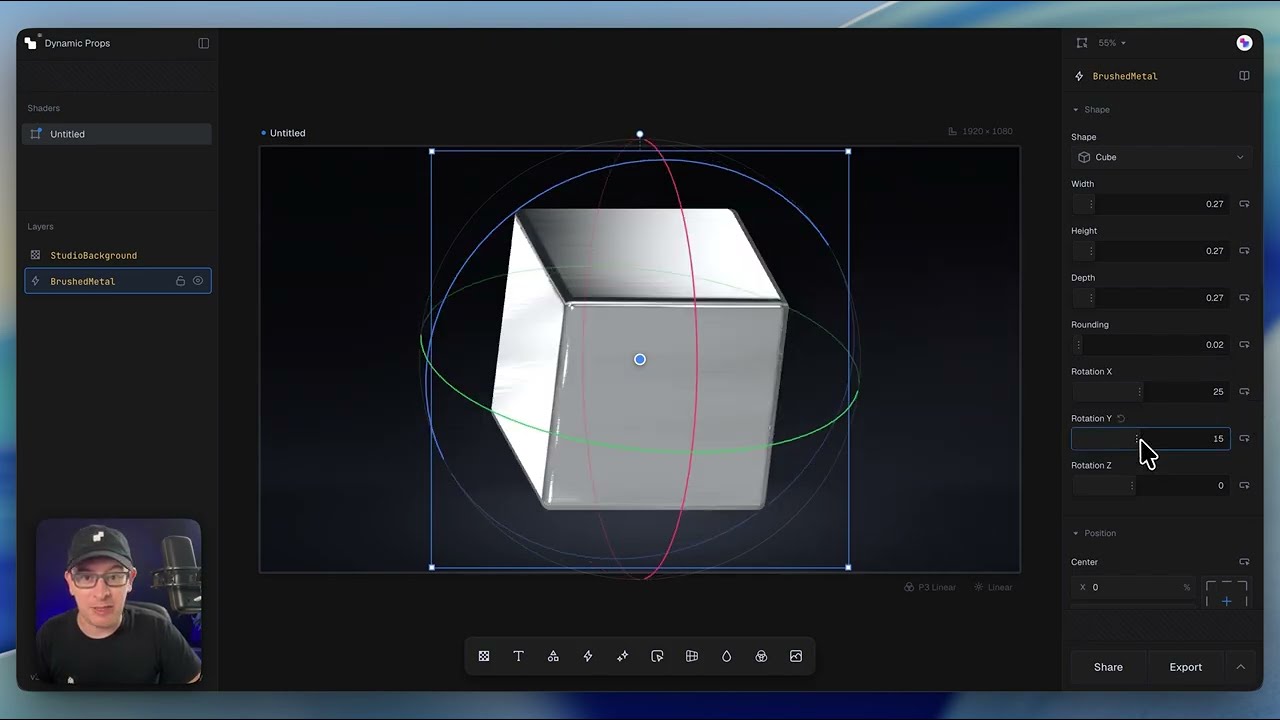
The Shaders editor is where you'll design, preview, and export production-ready shader effects. If you've used tools like Figma or other modern design software, the interface should feel familiar, while introducing a few workflows that are unique to building interactive shaders.
What's covered in this lesson
- Navigating the editor interface
- Understanding projects, shaders, and layers
- Exploring the available component categories
- Using the Properties panel to configure components
- Previewing shaders at different dimensions
- Working with the infinite canvas
- Creating responsive shader variations
- Sharing projects and exporting images, videos, or code
- Installing shaders into your project with the Shaders MCP
Key concept
Shaders are built by composing reusable components on an infinite canvas. The editor is designed to encourage experimentation, making it easy to explore variations, compare responsive layouts, and iterate before exporting production-ready code.
Next steps
Now that you're familiar with the editor, you're ready to build your first shader by combining multiple components into a single composition.