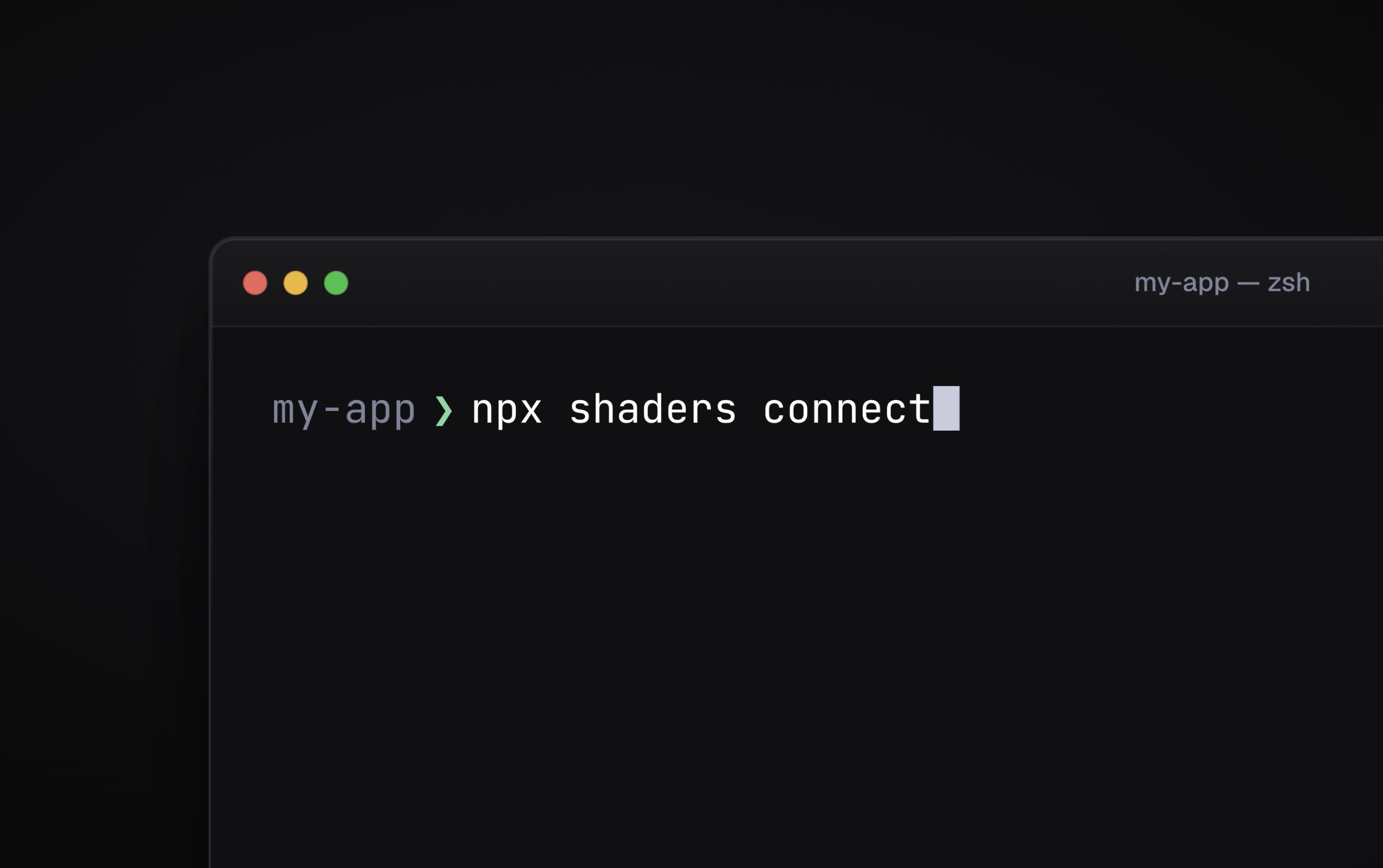
Today we're launching the Shaders CLI. It connects a codebase to your Shaders account, so the shaders you design in the editor land in your project as real component files, and stay current as you keep working on them.
Your project, connected
npx shaders connect
Run the connect command inside any project and the CLI figures out the rest. It detects your framework (Next.js, Nuxt, SvelteKit, SolidStart, Remix, Astro, Vite, or plain React, Vue, Svelte and Solid), adds the shaders package with whichever package manager you already use, and writes a small shaders.config.ts.
Then it signs you in and asks which Shaders project this codebase belongs to. Pick an existing project or create a new one on the spot. From here on, the two are linked.
Install anything in one command
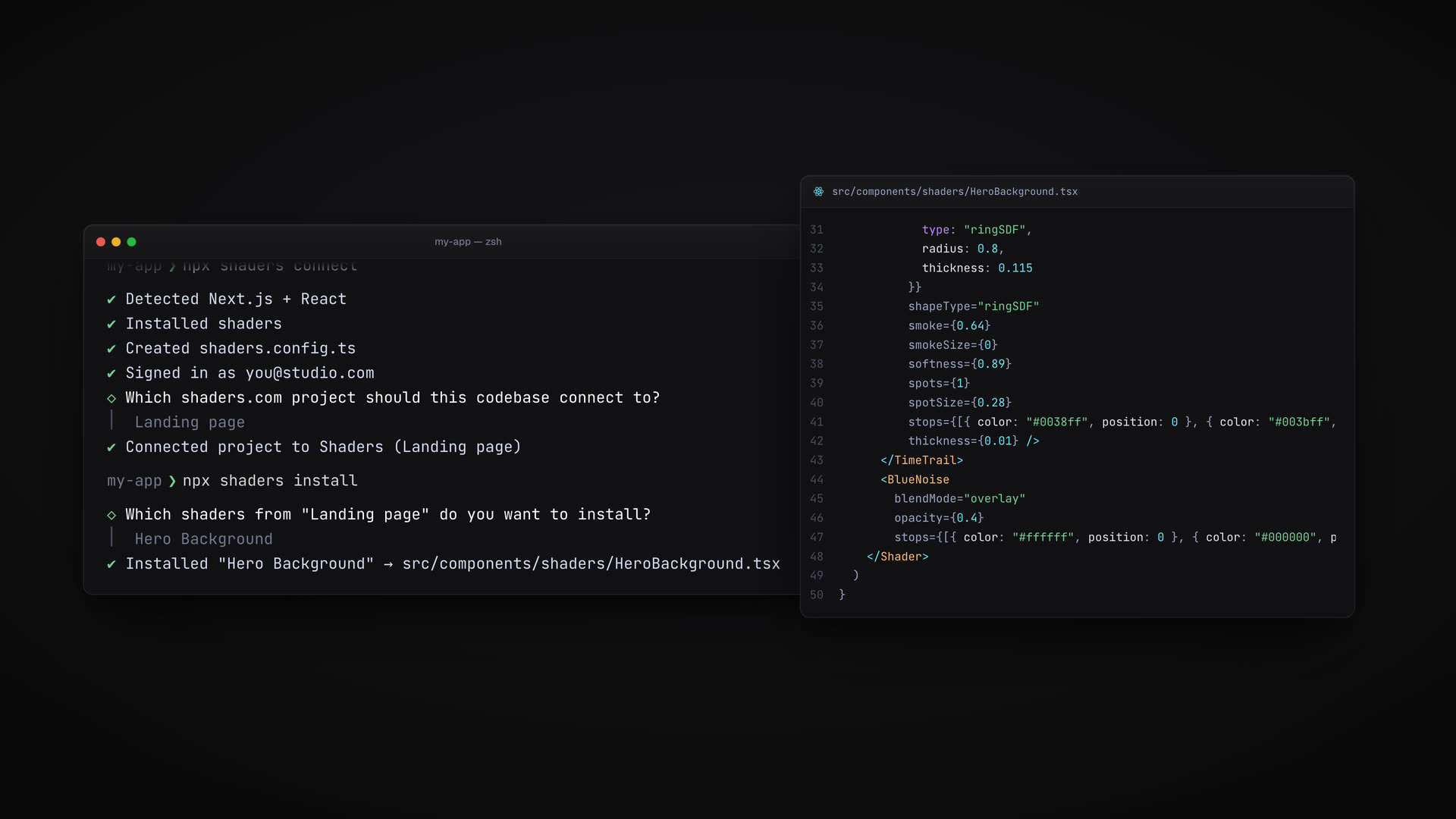
npx shaders install
With no arguments, the CLI lists the shaders in your connected project and lets you pick which ones to install, or all of them at once. Each becomes a component file in your project: the full composition with every prop inline, exactly what the editor's Export Code dialog gives you. It's ordinary source code you own. Wire the props to state, change a color, compose it with other effects.
You can also install by id, or install presets from the library by name:
npx shaders install 4728995        # one of your saved shaders
npx shaders install offsets-1      # a preset from the library
Presets are where the CLI gets interesting. With Shaders Pro, installing a preset first adds it to your connected project as a saved shader of your own, then installs from that copy. So the file in your codebase tracks something you can open in the design editor, tweak, and bring back into your code.
Stays in sync with the editor (the real magic)
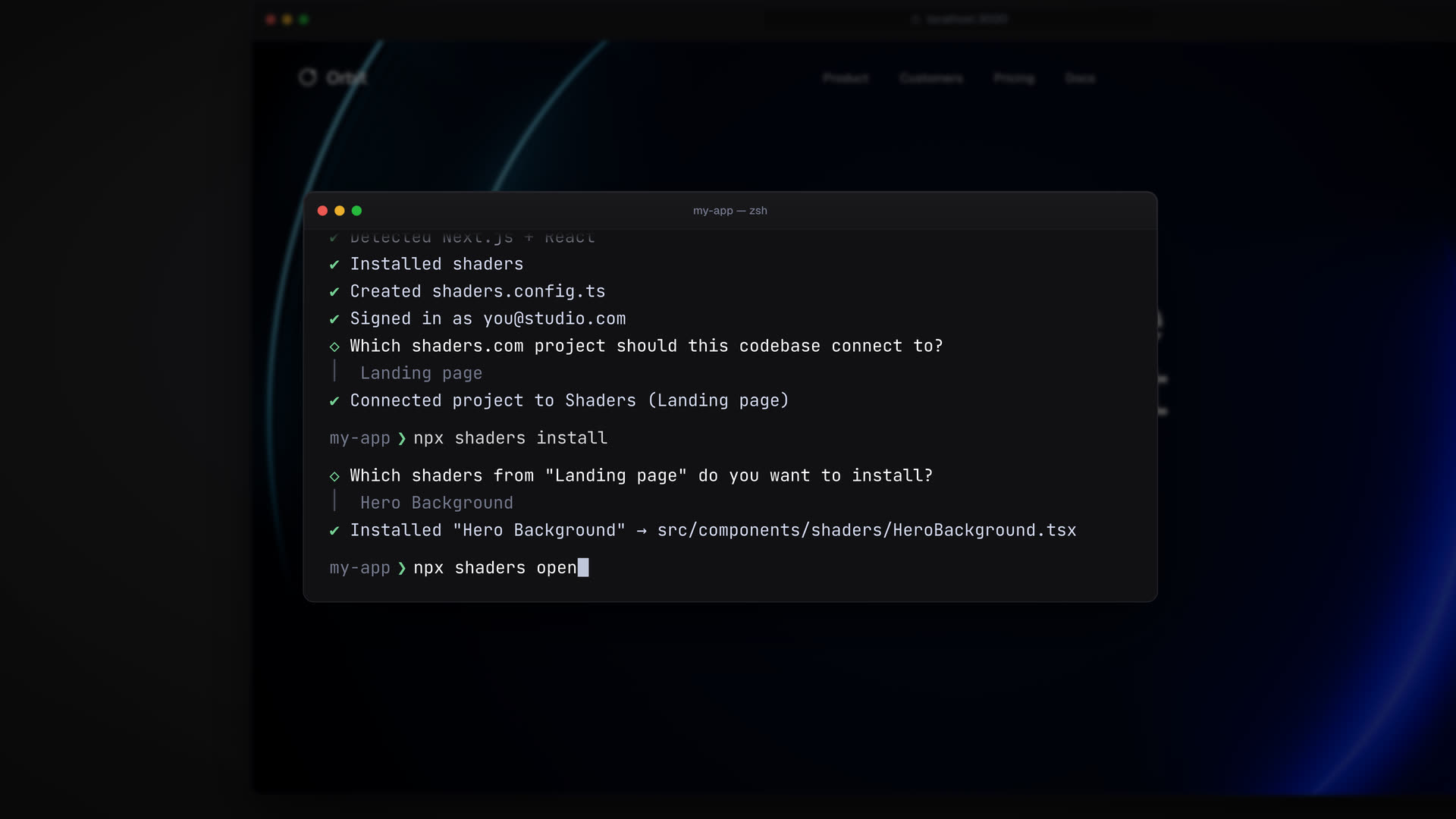
npx shaders open
Opens your connected project in the design editor, straight from the terminal. Change colors, swap layers, tune the motion, and see it all live.
When you're happy with it, pull the changes back down:
npx shaders update
The file in your project catches up with the editor. Files you've edited by hand are left alone and reported, so the CLI never silently overwrites your work.
For agents and CI
Set SHADERS_API_KEY to a personal API key and every command runs without a browser. The same key works with Shaders MCP, and the CLI also installs the MCP server into your coding agents:
npx shaders install-mcp
Get started
The CLI ships today in the shaders package. Run npx shaders connect in a project to try it, and read the full guide for every command and flag.