---
title: Shaders CLI
description: Install shaders and presets straight into your codebase, keep them in sync with the design editor, and connect your project to Shaders
icon: terminal
category: advanced
---
# Shaders CLI
The `shaders` CLI connects a codebase to your Shaders account. It installs shaders as real component files in your project, keeps them up to date as you edit them in the design editor, and gets you back into the editor with one command. Everything lives under `npx shaders`, so there's nothing to install globally.
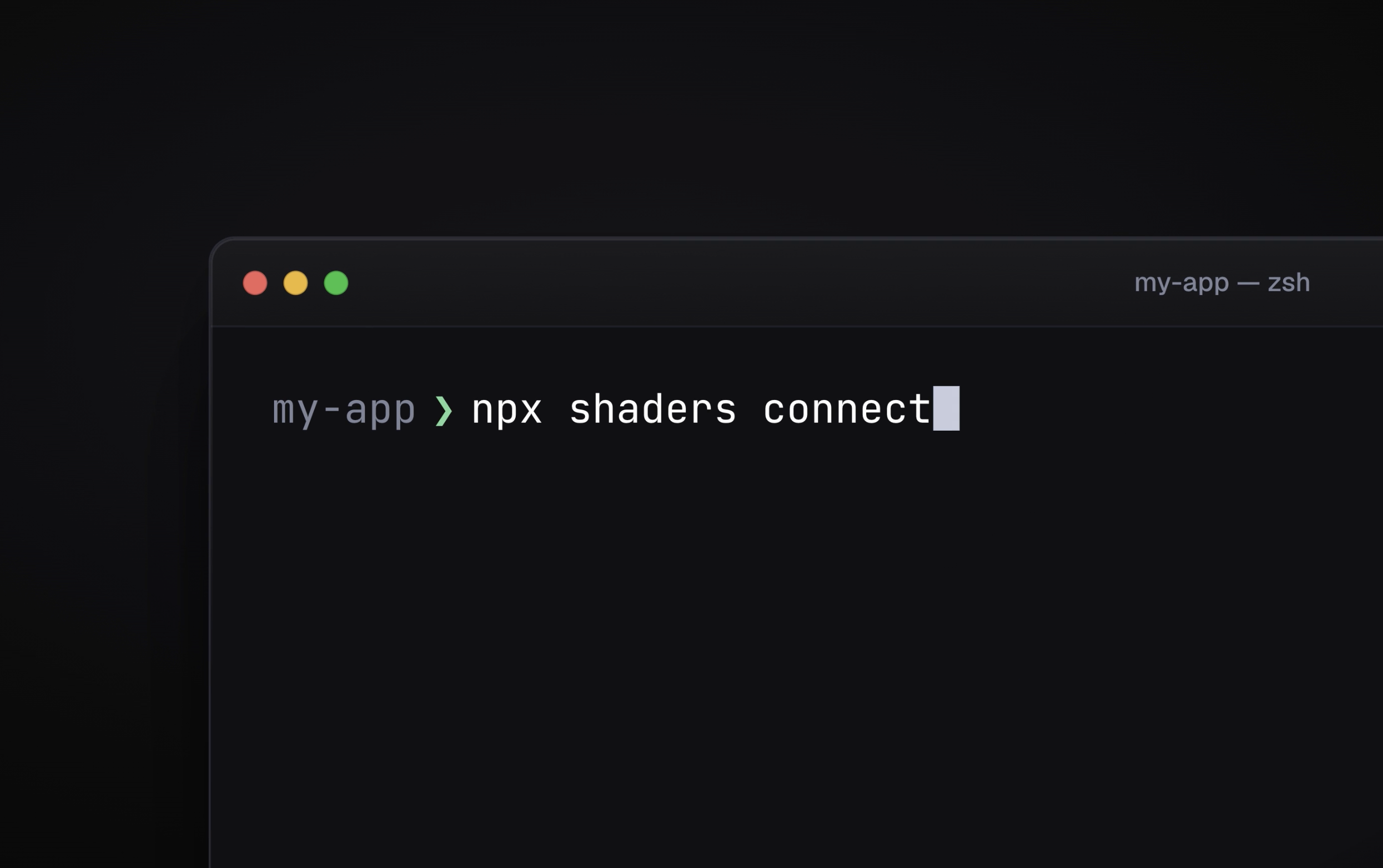
```bash
npx shaders connect
npx shaders install offsets-1
```
## Setting up a project
Run `connect` once inside your project:
```bash
npx shaders connect
```
It detects your framework from `package.json` (Next.js, Nuxt, SvelteKit, SolidStart, Remix, Astro, Vite and plain React, Vue, Svelte or Solid), adds the `shaders` package with whatever package manager the project uses, and writes a `shaders.config.ts`:
```ts
import { defineConfig } from 'shaders/config'
export default defineConfig({
framework: 'react',
project: '4a1e…', // the Shaders project this codebase is connected to
outDir: 'src/components/shaders', // where installed components land
})
```
`connect` then opens your browser to sign in and asks which Shaders project this codebase belongs to — pick an existing one or create a new one. A project is a canvas in the design editor holding any number of shaders; connecting one is what lets `install` and `update` know where to look.
`outDir` follows your framework's conventions: `components/shaders` for Nuxt (so files auto-import as ``), `src/lib/components/shaders` for SvelteKit, `app/components/shaders` for Remix and React Router, and `src/components/shaders` everywhere else. Change it any time.
You don't have to run `connect` first. Running `install` in a project that hasn't been set up walks you through it.
## Installing shaders
```bash
npx shaders install # pick from the shaders in your connected project
npx shaders install --all # install every shader in the project
npx shaders install 4728995 # one of your saved shaders, by id
npx shaders i offsets-1 # a preset, by name (i is short for install)
```
Every install writes one component file into `outDir` — the full component tree with every prop inline, exactly what the editor's Export Code dialog produces — and records it in `shaders.lock.json` next to your config. The file is ordinary source you own: change the props, wire them to state, compose it with other effects.
The id of a saved shader is shown in the design editor's Export Code dialog. With no id at all, `install` lists the shaders in your connected project and lets you choose.
### Presets
Presets from the [library](/presets) install by name — the collection slug plus the variant number, as shown on each preset page — or by their id:
```bash
npx shaders install offsets-1
npx shaders install offsets # pick a variant
```
With **Shaders Pro**, the preset is first added to your connected project as a saved shader, then installed from that copy. That means the file tracks something you can open in the design editor, tweak, and pull back into your codebase with `update`. Installing the same preset again refreshes that copy rather than adding another.
Without Pro, the CLI explains that the preset requires a subscription and offers three choices: get Pro, sign in to an account that has it, or install a **watermarked preview** instead. The preview is a small component that renders the preset live with a watermark, so you can see it in place before deciding. Once your account has Pro, `npx shaders update` swaps the preview for the real component and adds the preset to your project, no reinstall needed.
## Keeping shaders up to date
```bash
npx shaders update # refresh every installed shader
npx shaders update 4728995 # just one
```
`update` fetches the current version of each installed shader and rewrites its file when the source changed in the editor. Files you've edited by hand are left alone and reported, so your changes are never silently overwritten — pass `--force` when you do want them replaced. The same flag applies to `install`.
If a shader has been deleted from Shaders, `update` says so and leaves the local file untouched. Remove its entry from `shaders.lock.json` to stop tracking it.
## Opening the editor
```bash
npx shaders open
```
Opens your connected project in the design editor.
## Account
```bash
npx shaders login
npx shaders logout
```
Sign-in happens in your browser and is remembered in `~/.shaders/credentials.json`, so you only do it once per machine. `logout` forgets it.
### CI, agents, and other places without a browser
Set `SHADERS_API_KEY` to a personal API key and every command uses it instead of the browser flow. Any signed-in Shaders account can create keys here:
```bash
SHADERS_API_KEY=sk_live_… npx shaders update
```
Keep the key out of source control. It's tied to your account and can be revoked from the same panel.
## MCP
The CLI also installs the [Shaders MCP server](/docs/guide/mcp) into your coding agents:
```bash
npx shaders install-mcp
```
## Reference
| Command | What it does |
| --- | --- |
| `connect`, `init` | Detect the framework, install the package, write the config, connect a project |
| `install [[...]`, `i` | Install shaders by id or presets by name; no ref opens a picker |
| `update [...]` | Refresh installed shaders; upgrades previews once you have Pro |
| `open` | Open the connected project in the design editor |
| `login`, `logout` | Manage the stored sign-in |
| `install-mcp`, `uninstall-mcp` | Add or remove the Shaders MCP server in coding agents |
| Flag | Applies to | Effect |
| --- | --- | --- |
| `--all` | `install` | Install every shader in the connected project without prompting |
| `--force` | `install`, `update` | Overwrite files that exist or have local edits |
| `-p, --project ` | `connect`, `install` | Connect a specific project without prompting |
| `-f, --framework ` | `connect`, `install` | Override framework detection |
| `--no-auth`, `--no-install` | `connect` | Skip the sign-in step, or the package install |
| `-y, --yes` | all | Never prompt |
## Troubleshooting
**"… requires a Shaders Pro subscription"** — the preset is part of the Pro library. Choose an option from the menu, or run `npx shaders login` if you're signed in to the wrong account.
**"… has been deleted from Shaders"** — the shader or project the command refers to no longer exists. Remove the shader from `shaders.lock.json`, or run `npx shaders connect` to pick a different project.
**"… has local edits — re-run with --force"** — you changed the file since it was installed. The CLI won't overwrite it without being told to.
**Couldn't reach Shaders** — browser-based sandboxes such as StackBlitz route network calls through the browser. Sign-in there means copying the printed URL into a tab, since the sandbox can't open one for you.]